 Hearth
1. Save the dinners you like
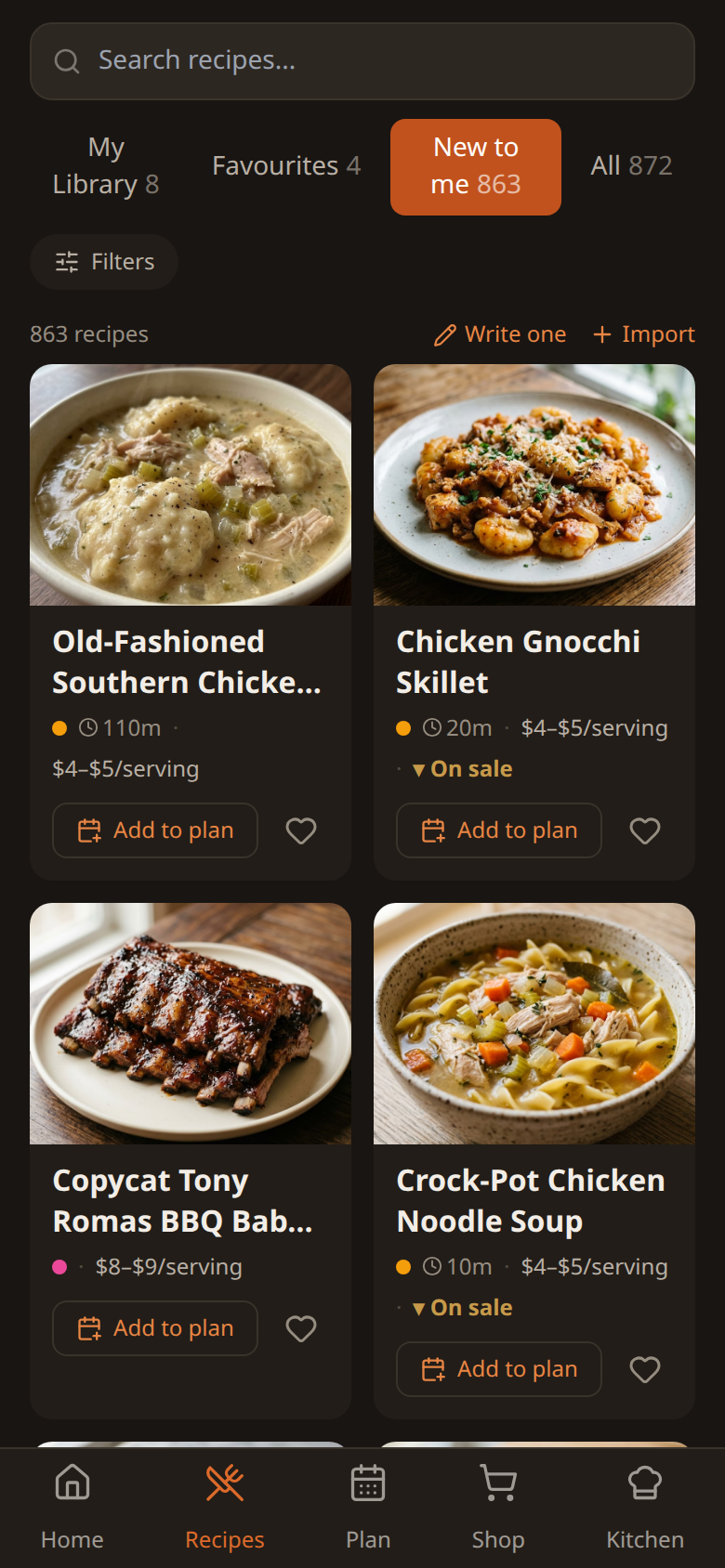
Start with 900+ recipes. Most show a price per plate and their nutrition.
Got your own? Paste a link, upload a PDF or Word file, or snap a photo of a recipe card. Hearth reads it in for you. Your recipes stay private to your household.
2. Plan the week, get one list
Put dinners on your week, or tap Surprise me. One tap turns the week into a shopping list that:
- adds it up. Onions from three recipes become one line.
- skips what you have. No second jar of cumin.
- sorts by aisle. Walk the store once.
Everyone in the house shares the list. The kids add cereal. Whoever goes shopping has all of it.
3. Cook it step by step
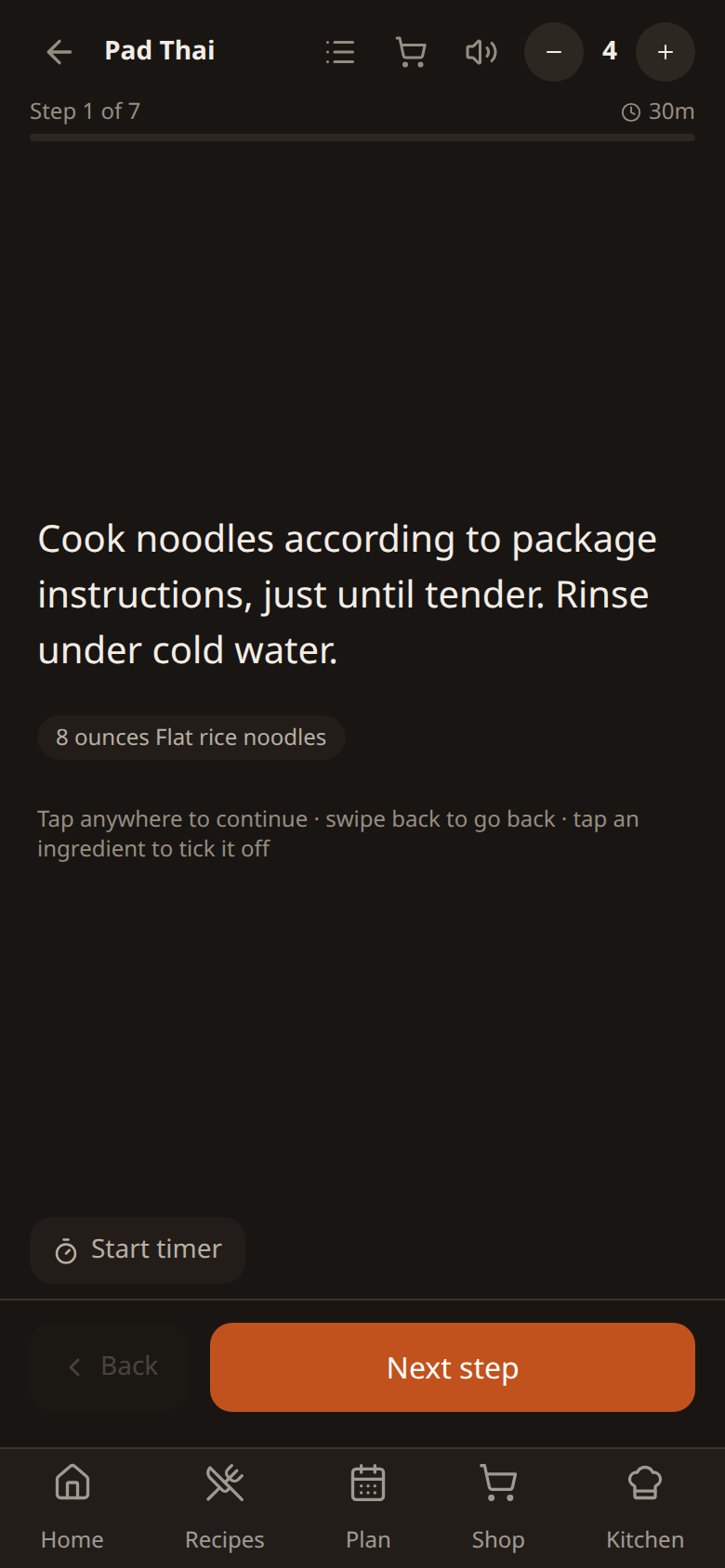
Set your household size once and every recipe scales to fit. Cooking mode shows one step at a time, in big type, with the amounts right there.
4. Your kitchen keeps up
Finish cooking and Hearth takes what you used out of your kitchen. A full jar of pasta sauce becomes the half that's actually left. Next week's list knows.
A few more things
- What's on sale. Recipes get flagged when their main ingredient is in a local flyer.
- Use it before it goes off. Hearth points out what's about to expire and what you can make with it.
- On your phone. Add it to your home screen. Your list still opens with no signal in the store.
- No ads. Your data is never sold. Export it or delete it any time.
The fine print
Prices are estimates per serving from Canadian grocery data, shown as a range. Use them to compare dinners, not as a quote for your receipt. How we work them out. Flyer prices cover 15 Canadian cities so far. Farther than about 100 km from one, you won't see sale flags until we add your area. Photo, PDF and social-media imports are capped at 100 during the trial and 100 a month after. Typing a recipe in, or pasting a link from a recipe site, is unlimited.